Evals
Run Inspect evaluations of your models, as agents, on your own GPU machines, from the platform. Scores with error bars, per-sample results and full transcripts come back here; the logs and the Inspect viewer are kept in the platform's storage.
The platform does not evaluate anything itself: it runs Inspect on the machine
and reads the results back over SSH. An eval is a job of kind eval, run by the
same job runner as experiments (see gpu-machines.md).
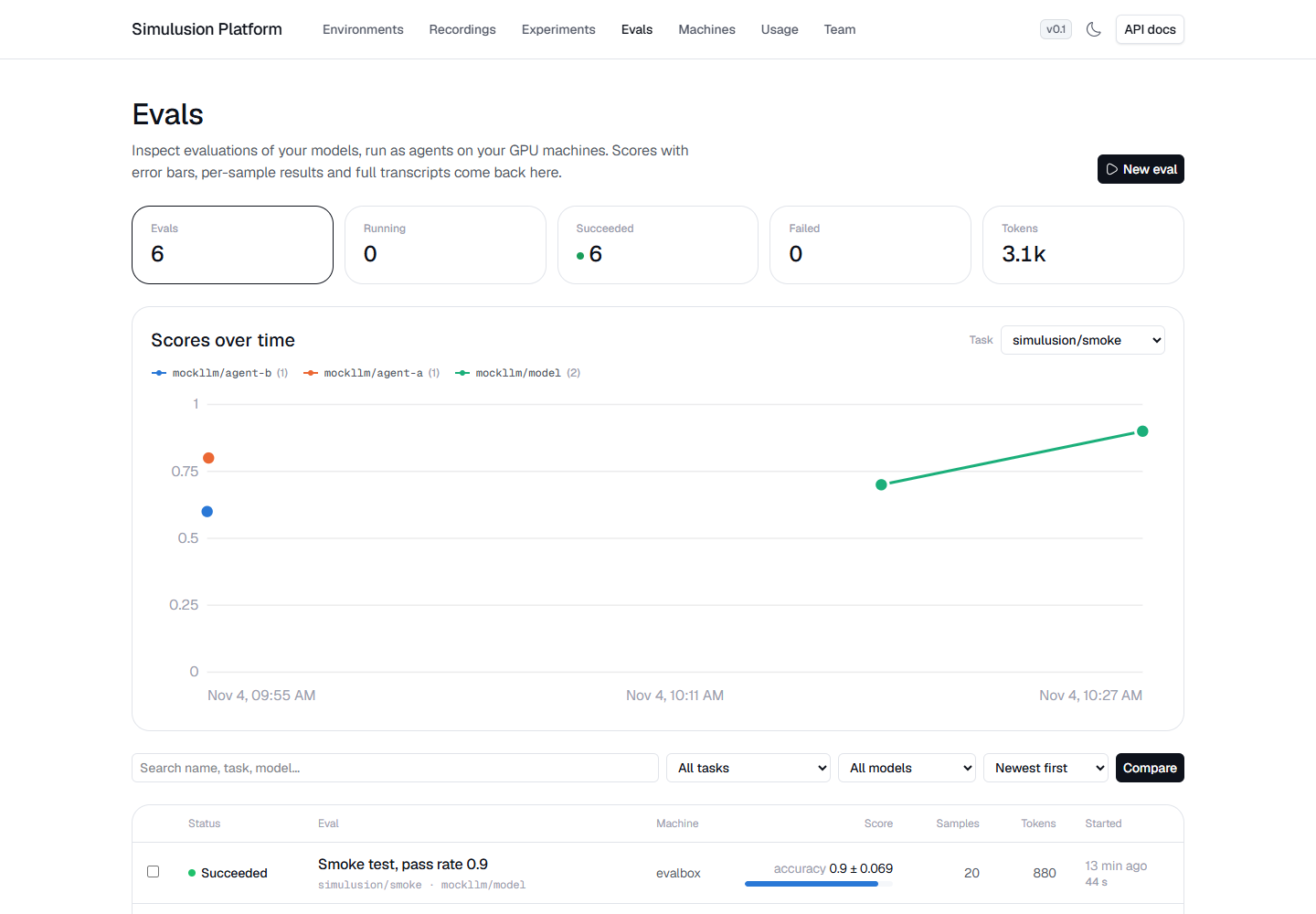
A finished eval, with its score, every sample's outcome and the run's log:
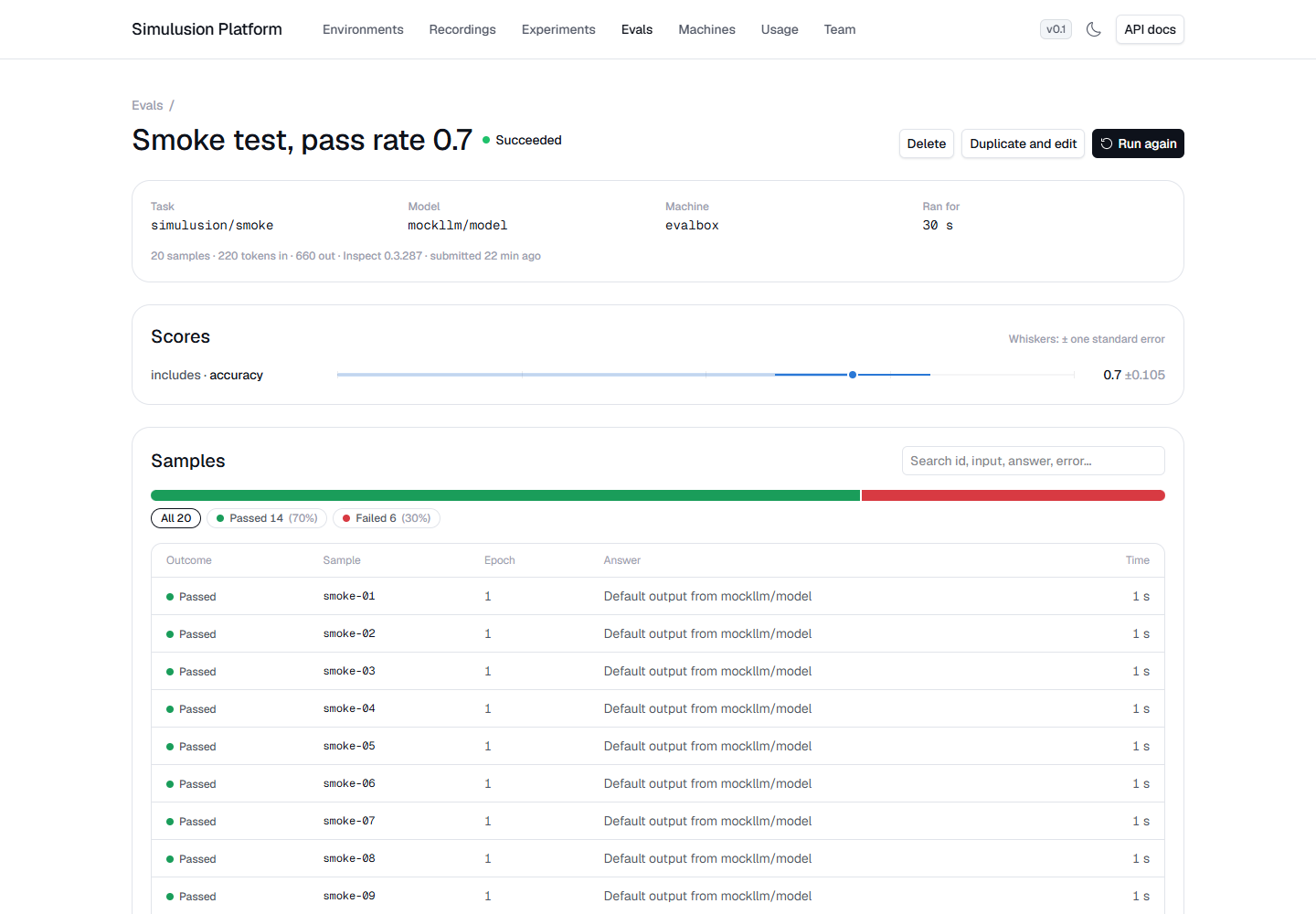
Two runs compared:
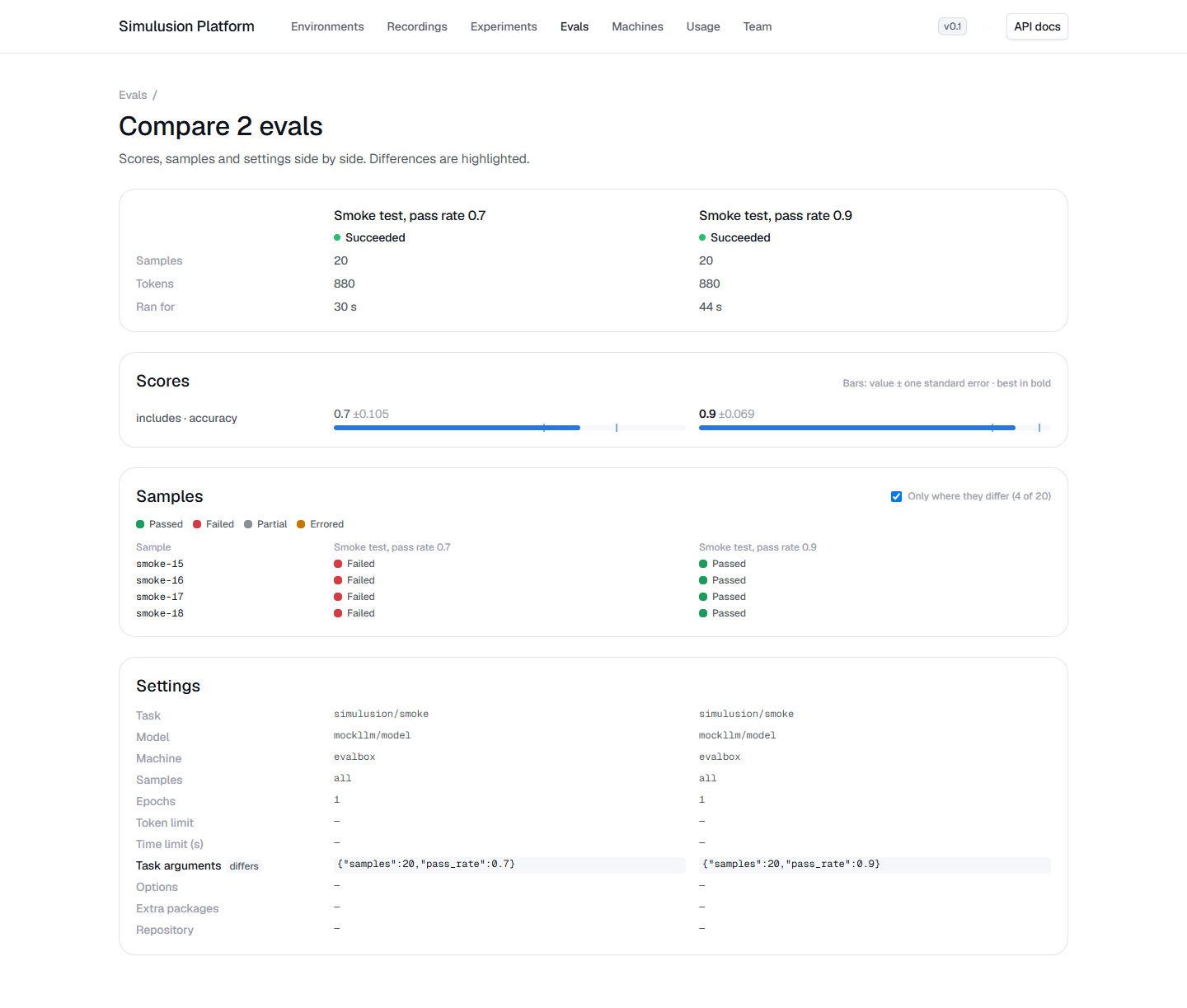
Run an eval
On Evals → New eval (team members), start from a template, then change anything you like:
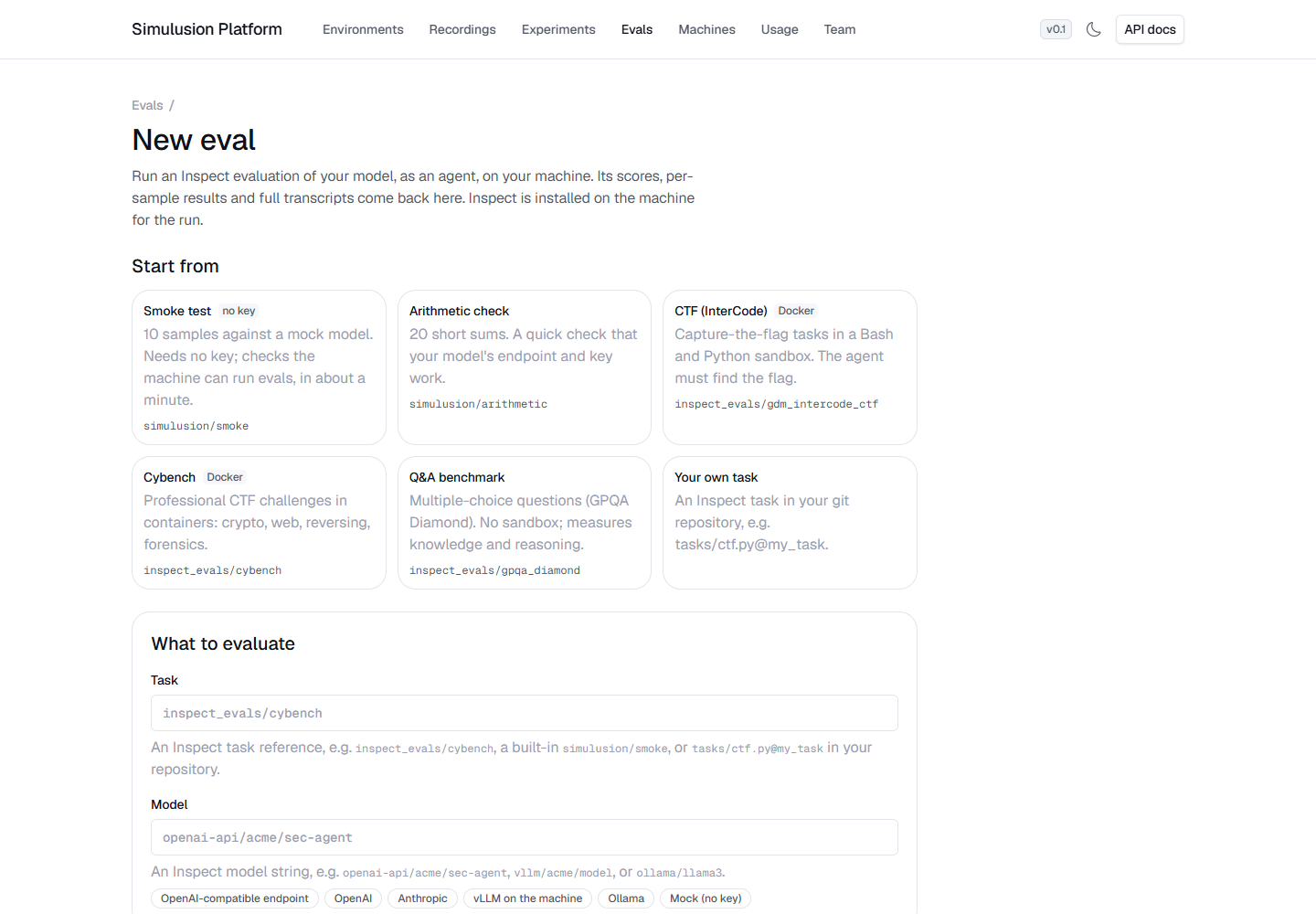
| Template | Task | Needs |
|---|---|---|
| Smoke test | simulusion/smoke with mockllm/model |
nothing: no key, no Docker |
| Arithmetic check | simulusion/arithmetic |
your model's key |
| CTF (InterCode) | inspect_evals/gdm_intercode_ctf |
Docker on the machine |
| Cybench | inspect_evals/cybench |
Docker on the machine |
| Q&A benchmark | inspect_evals/gpqa_diamond |
your model's key |
| Your own task | e.g. tasks/ctf.py@my_task in your repository |
the repository |
The fields:
- Task: an Inspect task reference: an
inspect_evals/...task, a built-insimulusion/...task (below), orpath.py@taskin your repository. - Model: an Inspect model string, for example
openai-api/acme/sec-agent,vllm/acme/model, orollama/llama3. The presets under the field fill it in, and the form names the variables the model reads and adds them for you (foropenai-api/acme/...,ACME_API_KEYandACME_BASE_URL). Values are kept on the platform and never shown again. - Machine and GPUs: 0 GPUs for a model served over an API; one or more for a model served on the machine itself. The form warns when a task needs Docker and the machine has none.
- Code: the task's repository (checked out fresh per run), or built-in and
inspect_evalstasks, available once Inspect is installed. - Limits: samples, epochs (tries per sample), and per-sample token, message and time limits.
- Task arguments and Options: JSON objects passed to Inspect as task
arguments (
-T) and eval options (temperature,max_connections, ...). A new configuration needs no code change. - Extra packages: installed alongside Inspect, for example
inspect-cyber. - Python (advanced): an absolute path to a Python that already has Inspect, for an offline machine (see below). Otherwise the platform installs Inspect.
Built-in tasks
Shipped with the platform, so they run with no repository:
simulusion/smoke: checks the machine can run evals. Argumentssamples(10) andpass_rate(1.0): with Inspect's mock model, that share of samples pass, so the score is known in advance.simulusion/arithmetic: 20 short sums scored as numbers; a quick check that a real model's endpoint and key work.
Follow, debug and compare
- Dashboard (Evals): counts by status (click one to filter), a chart of scores over time per model for a task, filters by task, model and machine, sorting by score, and a progress bar on running evals.
- An eval's page: live progress (samples per minute, time left, tokens), scores with their standard error, the outcome of every sample (click an outcome to filter; click a sample for its input, target and answer), the Inspect transcript viewer, and the run's settings with the equivalent API call.
- Log: live while the eval runs, then the end of it, kept. Search with next/previous match, show only errors and warnings, and download it. A failed eval says what to look at first.
- Duplicate and edit opens the form filled from an eval. Variables keep their names; leave a value blank to keep the original's (and its repository token). Run again reruns it unchanged.
- Compare: tick two or more evals on the dashboard. Scores side by side with error bars, the samples whose outcome differs, and the settings that differ.
From the API:
curl -X POST "$PLATFORM_URL/v0/evals" \
  -H "Authorization: Bearer $PLATFORM_TOKEN" -H "content-type: application/json" \
  -d '{"machine": "h100-1", "task": "inspect_evals/gdm_intercode_ctf",
       "model": "openai-api/acme/sec-agent", "limit": 10,
       "env": {"ACME_API_KEY": "...", "ACME_BASE_URL": "https://..."}}'
curl "$PLATFORM_URL/v0/evals/<id>" -H "Authorization: Bearer $PLATFORM_TOKEN"
What runs on the machine
The platform writes an eval runner and its config into the job's run directory
and runs it there. Unless you give a Python, it installs uv into
~/.simulusion/bin (without touching shell profiles) and runs Inspect from
uv's cache. Tasks with container sandboxes (most capture-the-flag tasks) need
Docker usable by the machine's user; the new-eval form warns when the chosen
machine has no docker command.
The runner writes its progress and results into the run directory. The platform
reads the progress each cycle and, when the job ends, pulls the summary, the
Inspect logs and the viewer bundle back over SSH into its storage. Eval jobs get
no PLATFORM_URL or PLATFORM_TOKEN: nothing on the machine calls the platform.
Offline machines
For a machine with no internet:
- Serve the model on the machine (vLLM, Ollama) and point the model string at it, so no model API is called out.
- Give a Python that already has
inspect-ai(and any task packages) installed, so nothing is downloaded at run time. - Pre-fetch task datasets and container images on the machine; set
HF_HUB_OFFLINE=1as a variable if a task would otherwise reach Hugging Face.
The transcript viewer is a static bundle, so it works offline once pulled back.
Transcripts and security
The transcript viewer is HTML and JavaScript built on the machine, so the
platform serves it sandboxed: an opaque origin, in a sandboxed iframe on the
eval page, whose scripts cannot reach the API with your sign-in cookie. Its own
requests carry no cookie either, so its files are served by an unguessable
per-eval key alone, like a share link, and only that eval's viewer and logs.
Only those who can see the eval get the key.
The sandbox forbids browser storage and workers from the server's URL, which
the viewer uses; the platform adds a small script to the viewer's page that
stands in for storage and starts its workers from blob URLs, and opens it on
one log at a time (its single-file mode, which needs no browser database).
Download the .eval logs to open them in your own Inspect viewer.
Storage
Each eval's results (summary, logs, viewer) are kept in the platform's eval
storage (PLATFORM_EVALS, a folder beside recordings or an s3:// location),
under evals/<team>/<eval id>/. A pull is capped at PLATFORM_EVAL_MAX_RESULTS
bytes (1 GiB by default). Deleting an eval removes its stored results.
Updated Nov 7, 2026